Import & frame
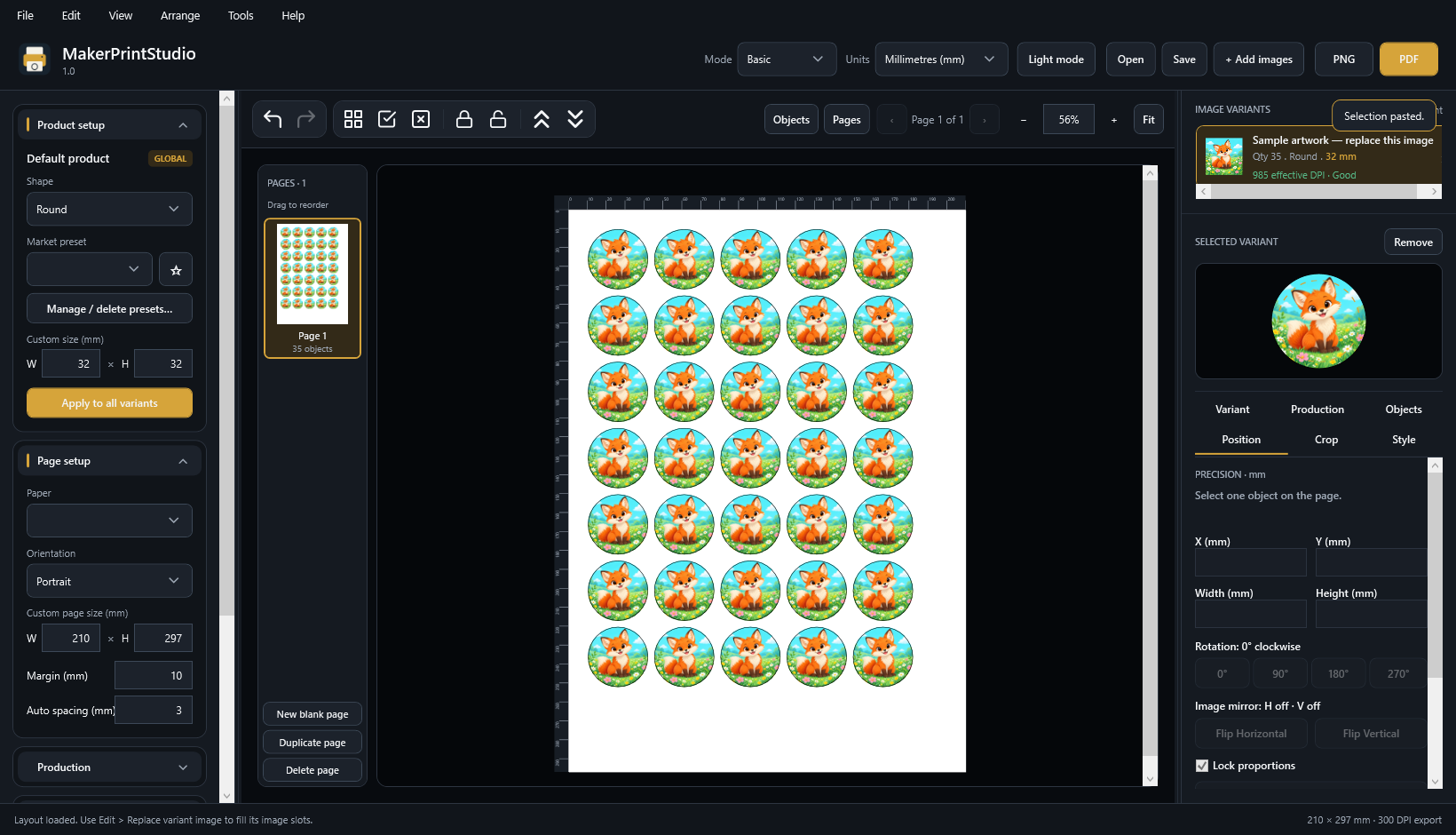
Choose your product dimensions. Center the image, adjust the crop and leave a white margin when the design calls for one.
 One image. Your crop.
 MakerPrintStudio
MAKERPRINTSTUDIO 1.0 · FOR WINDOWS
Arrange badges, buttons and magnets at the size you need. Keep control of the crop, the spacing and the final printed page.
English interface · PNG & PDF · One Windows installer
A SHORTER ROUTE TO THE PRINTER
Keep the careful setup. Change the design.
Choose your product dimensions. Center the image, adjust the crop and leave a white margin when the design calls for one.
One image. Your crop.Place copies precisely, group them and save a sheet layout. Replace the image without rebuilding positions, sizes or copy counts.
Check the actual output before saving PNG or PDF. Choose the resolution, optional outer outline and production marks.
THE FINAL PAGE, IN VIEW
Print the outer cut contour around the artwork or its white margin. Turn it off for a clean print. Grid lines, rulers and editor controls stay in the editor.
These images are real exports from the application. This comparison is a sample, not an online editor.
Download the sample PNG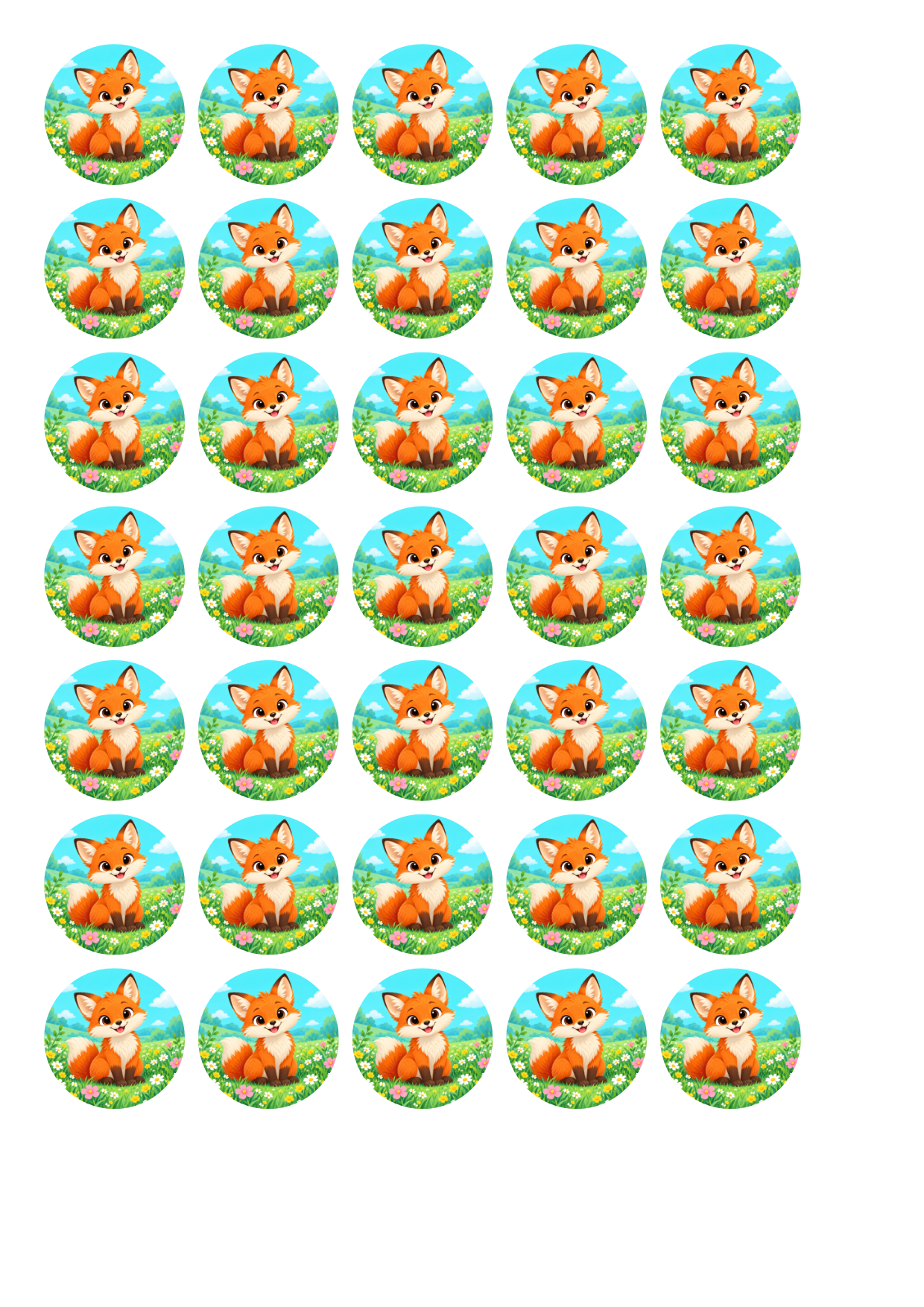
A SIMPLE LICENSE
Designed for makers who prepare print sheets repeatedly, with different artwork and the same need for accuracy.
Proposed price for review. Not currently on sale. Applicable taxes and final pricing will be shown before payment when checkout opens.
No subscription is planned. Update entitlement and final sales terms are still being reviewed.
BEFORE YOU PRINT
This release is for Windows x64. A Mac version is not included or promised.
The prepared single installer includes the required .NET runtime. It is being validated before commercial release; no installer is publicly downloadable from this preview.
You control the artwork you import. You are responsible for having the rights to use and print it. Buying this software does not grant rights to third-party designs.
It increases output resolution, but cannot restore detail missing from the source. The application warns about low effective image resolution.
Print at Actual size / 100%, with Fit to page and borderless enlargement disabled. Use the 100 mm calibration sheet to check your printer, then measure a real printed badge.
A voluntary 14-day refund policy has been proposed for launch, including after download. It is a draft, not an effective sales policy. Mandatory consumer rights remain separate. Read the refund-policy review.
GETTING READY TO LAUNCH
MakerPrintStudio is preparing for launch. This page presents the application and its workflow. The seller's Romanian legal/fiscal setup, real support details, merchant account, paid-license configuration and final sale documents are not complete. Checkout is disabled and no payments or email signups are collected here.